Showing posts with label update. Show all posts

Thursday, August 10, 2017

Daylight Dawns August 17th

We are flipping the switch to Daylight on August 17th. 
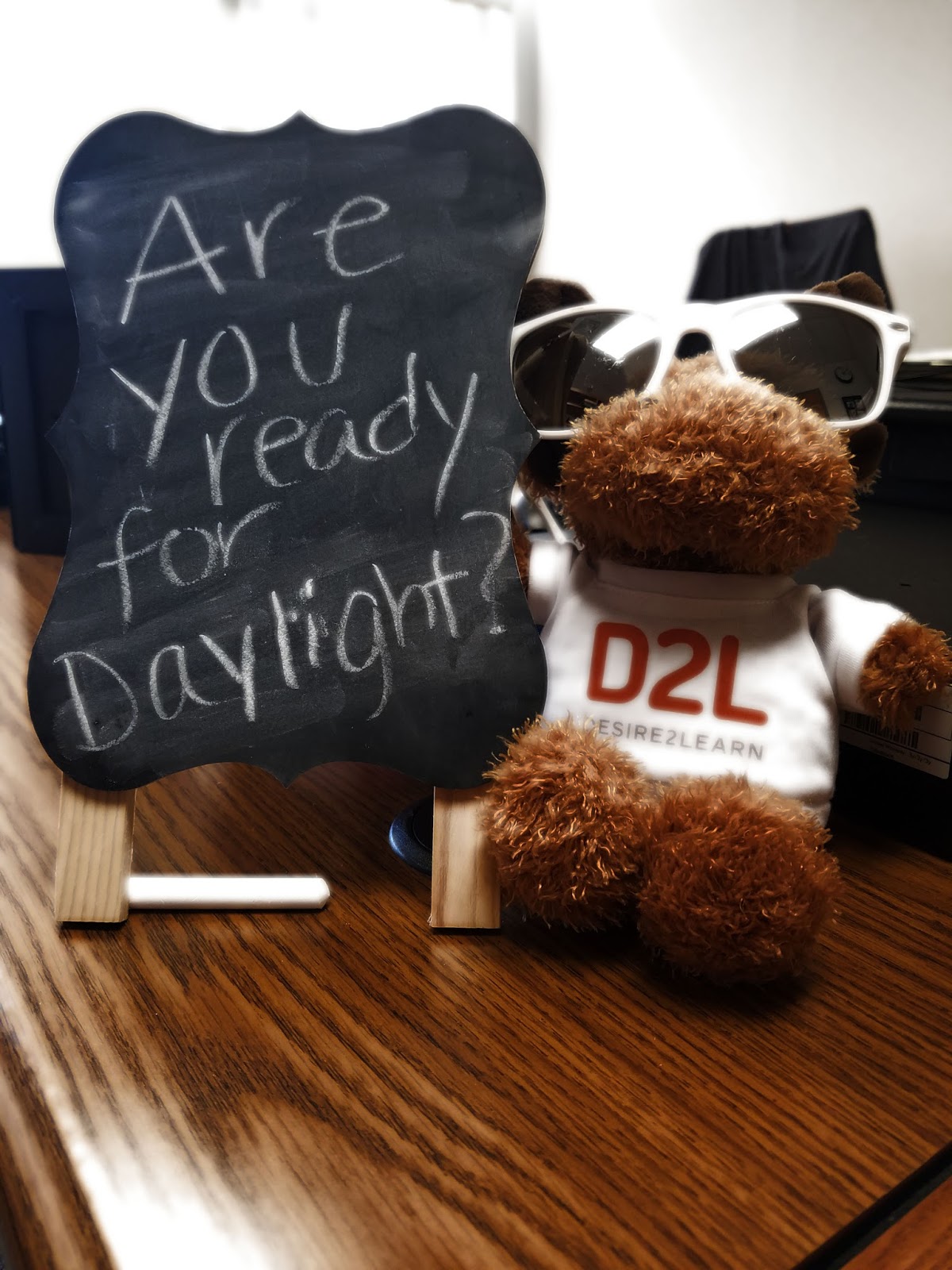

D2L moose thinks Daylight is so bright he needs shades and wrote a chalkboard message asking if Bloomsburg students are ready for Daylight

The Daylight Experience is coming to BOLT to bring a new, modern, responsive design to BOLT. BOLT will display better on mobile devices and will have other user experience improvements, including a new My Courses widget.

the Daylight experience shown on laptop, tablet, and cellular phone
Daylight is coming to BOLT on August 17


If you want more information on Daylight, check out our student videos on our YouTube channel. We have a special Daylight playlist just for students to show you how to use the new user interface: https://youtu.be/RiUaeT04IUM?list=PLXjuCKxYK182fiunZmv-n2UyDFDIja7MG


We will also be updating our Student Support information at https://intranet.bloomu.edu/imdc-bolt-student. Help documentation will be updated to match the new look and feel in BOLT.

Thursday, February 16, 2017

Changes Coming to BOLT Support

Our new contract for Desire2Learn includes premium support services for instructors and students. Staring the week of Spring Break, BOLT Support will transition to new support processes for you.
  • 24/7/365 Technical support for BOLT from our vendor for instructors and students.
  • New support widget with a Live Chat feature for live chat with a support technician.
  • Custom knowledge base with instructions on how to do things in BOLT.
Read on for more details.

Monday, July 25, 2016

BOLT Tips for Semester Start


Are you ready for the Fall semester?
 
Here are some tips.

Check your schedule.
Make sure your schedule looks like you thought it would in MyHusky. 

Check your email.
Instructors may email you prior to the semester with information.

Learn about BOLT.
Check out our Student Support page and visit our YouTube channel.

Get tech requirements.
Read your instructor's syllabus carefully and find out what technology is required.
 
Update Software.
Make sure you have all your software updates-especially your web browser.